Skip to course content
Firasunelo
IT learning, served in steps

Cook up a better way to build.

Circuit Kitchen is an English-language IT course room for people who prefer a measured recipe over a mountain of disconnected lessons. Gather the ingredients, work the stations, taste the result.

No hype, no scoreboards — just a practical sequence you can return to.

Learner arranging colorful components at a kitchen table
mise en place
for IT
RECIPE 01
START WITH WHAT YOU HAVE
Ingredient syllabus

Four ingredients. One coherent plate.

Switch the course cards to see how a concept becomes a working habit. You do not have to take every route at once.

Pantry

Web foundations

Learn the shape of a small web page before decorating it. Start with semantic markup, measured styles, and the browser as your serving surface.

  • HTML landmarks and readable content structure
  • CSS layout choices with clear constraints
  • A simple accessibility tasting pass

Learner writing notes beside a laptop displaying code
Colorful cable and citrus peel arranged like ingredients
Mise en place

Set the counter before you open the editor.

There is no secret background required. A calmer starting setup makes it easier to pay attention to the work itself.

  • 01
    A browser and a place to typeAny modern browser and a simple code editor are enough to begin exploring.
  • 02
    Thirty uninterrupted minutesShort, repeatable preparation is more useful than waiting for a free afternoon.
  • 03
    A question from your own workBring a page, process, or idea you want to make easier to understand.
Prep stations

Move around the kitchen, not through a funnel.

The work is organized into stations so you can recognize the role each practice plays before you combine them.

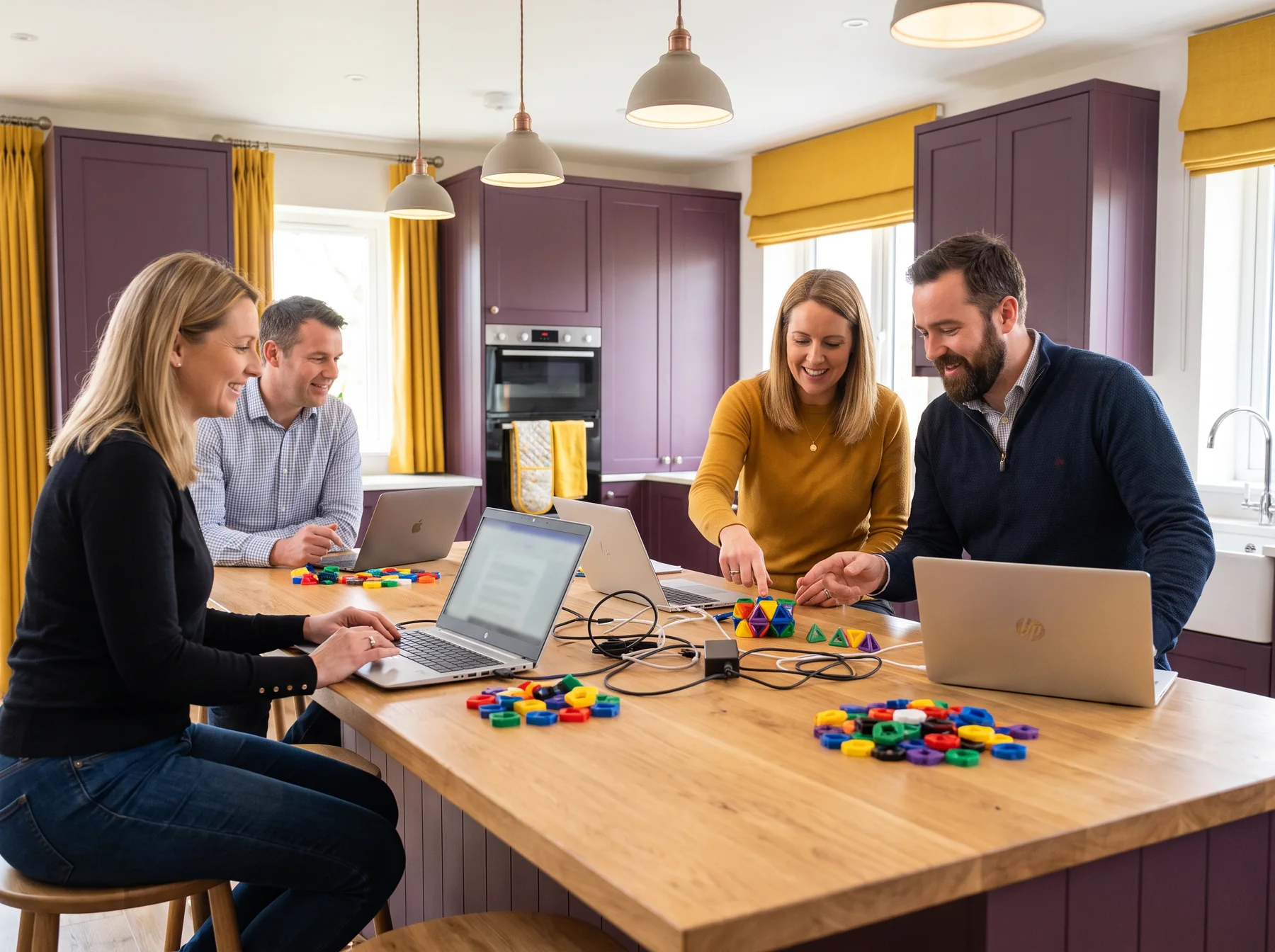
People collaborating around laptops and cables at a long table
STATION 01

Chop the brief

Break a broad request into people, content, decisions, and a small first slice worth testing.

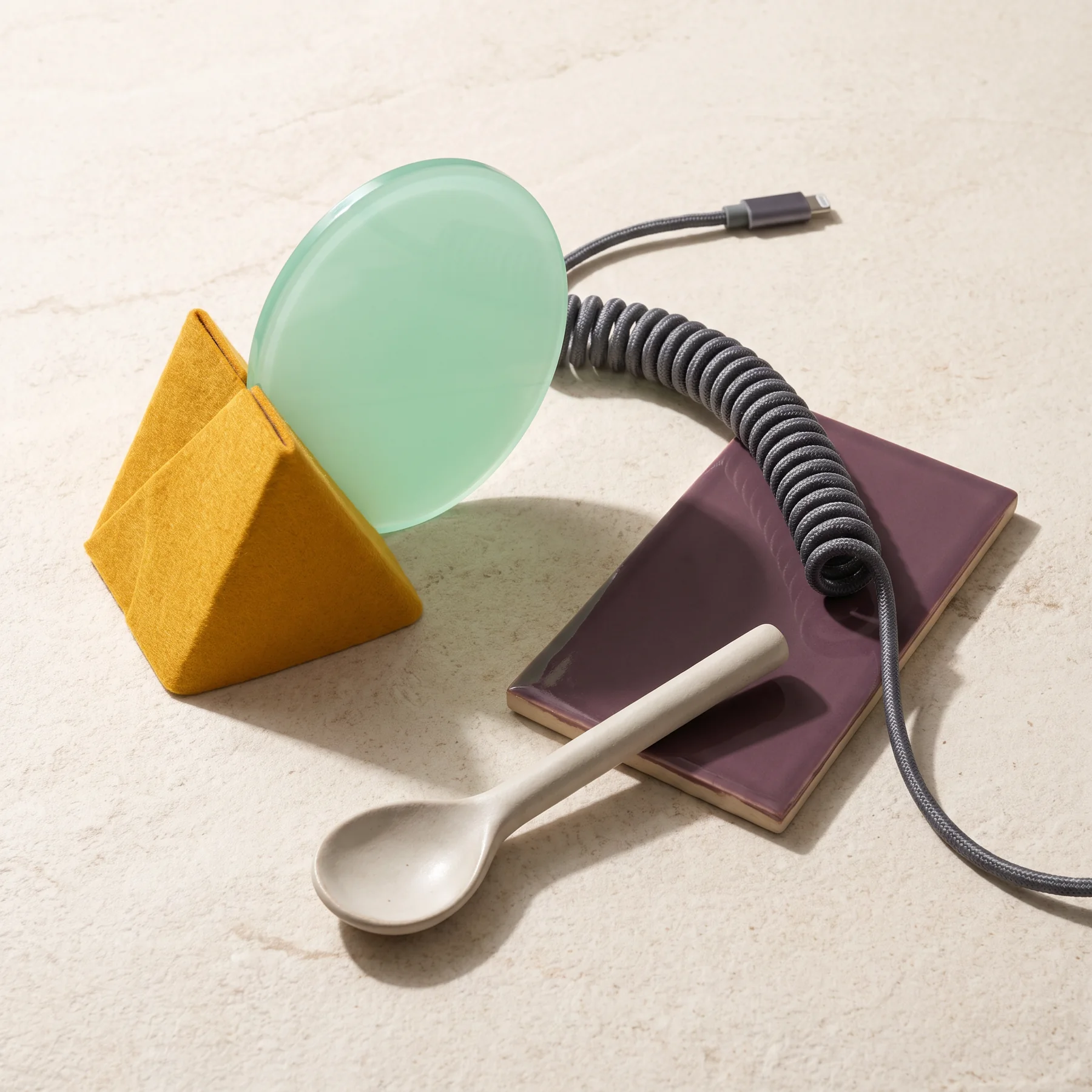
Abstract tools and geometric objects on a cream surface
STATION 02

Combine the parts

Put structure, visual choices, and behavior together without hiding the seams.

Laptop and papers on a warmly lit evening kitchen desk
STATION 03

Plate and explain

Share a version with enough context that another person can inspect and discuss it.

Interactive recipe timer

Choose the heat. Hold one useful thought.

Use this tiny timer for a focused pass. Switching levels changes the suggested interval and cue; it does not measure your skill or make claims about your result.

10:00ready

Taste the ingredients before you change a thing.

Hands preparing cables and a keyboard at a kitchen work surface
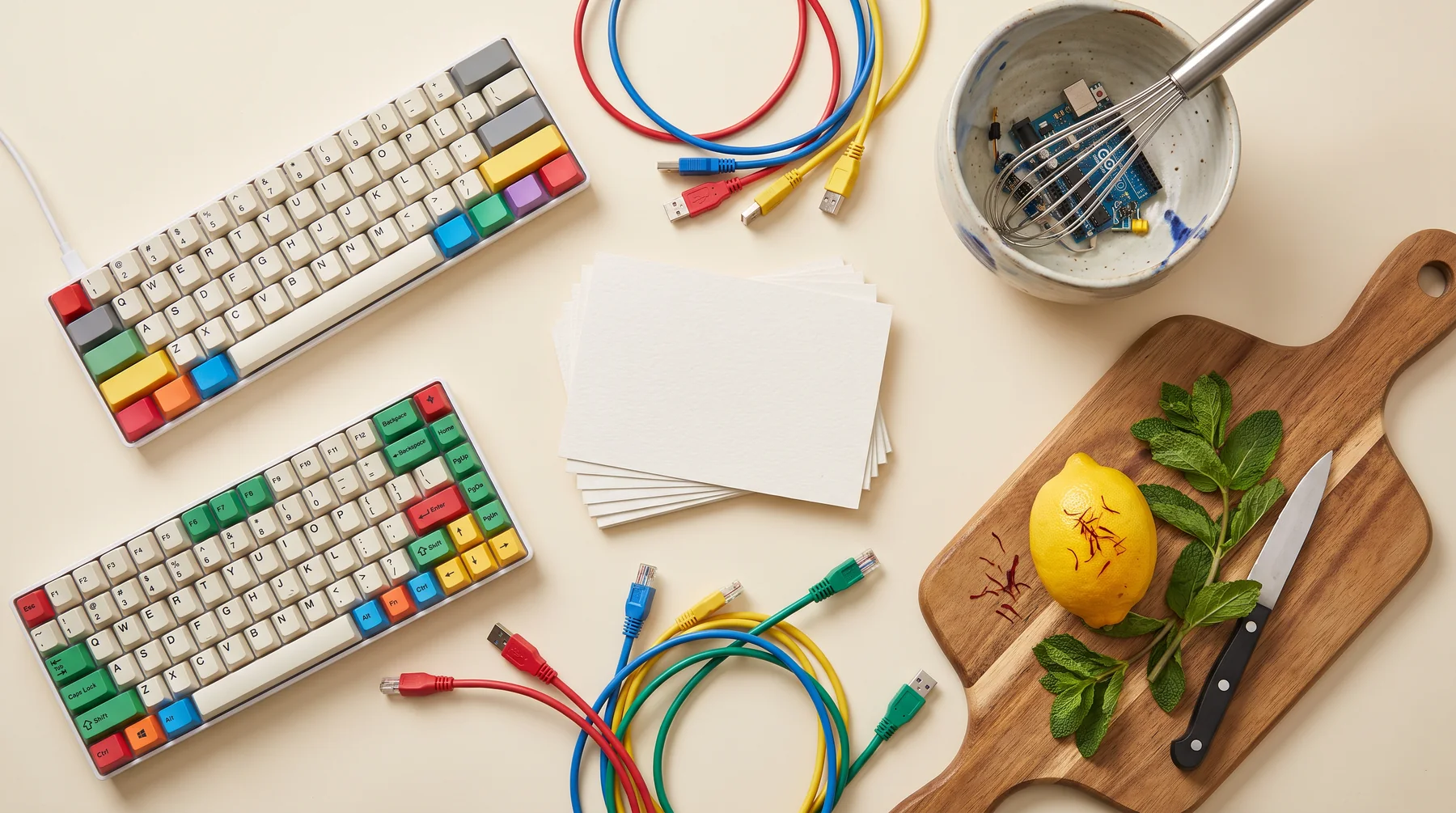
Keyboard and cables arranged with herbs and a lemon
TOOLS SHOULD
HAVE A JOB
Pairing board

Pair a tool with a task, not a personality.

Select a pairing for a short explanation. The board is intentionally small: start with one dependable tool and a reason to reach for it.

Use the browser inspector when a page looks different from your expectation. It lets you examine the existing ingredients before changing the recipe.
Code tasting

Taste the code before you season it.

A critique should say what it noticed, why it matters, and what small change might be worth trying. Here is a compact example of that habit.

<!-- first taste: name the landmark -->
<main aria-labelledby="recipe-title">
  <h1 id="recipe-title">Project recipe</h1>
  <p>A short description of the task.</p>
  <button type="button">Try the next step</button>
</main>

// critique: a named main region gives the page
// a stable center; the button says what comes next.
Learner reviewing notes next to a laptop with code

A useful critique is specific enough to act on and kind enough to hear.

Learner with colorful planning cards at a kitchen desk
Batch log: small notes make repeat work easier to recognize.
Batch log

Keep a record of the batches, not a performance score.

These entries model the kind of log you can make for your own projects: what was prepared, what was noticed, and what may need another pass.

Batch 01
Brief

Named the primary reader

Wrote one sentence about who needs the page and one sentence about the action the page should make easier.

PREPARED
Batch 02
Structure

Made the headings carry the story

Checked that a skimming reader can understand the order of the page from the headings alone.

TASTED
Batch 03
Review

Reduced one unclear decision

Asked a reviewer where they hesitated, then changed the smallest thing that could address the hesitation.

NOTED
Project pass & review

A project pass is a handoff, not a finish line.

At the end of a course recipe, assemble a modest project and review it with a practical rubric. The point is to explain the choices you made and identify the next adjustment, not to earn a label.

Clear intent
Working core path
Readable structure
Useful review note
Ask about a project pass
Small group reviewing work on laptops together
Kitchen questions

Answers with enough room to be useful.

Open each question to read the full response. We prefer specific boundaries to vague promises.

Reservation desk

Bring a question to the counter.

Tell us which part of your IT learning you are preparing. The browser-only form lets you assemble your note; for actual contact, use the email link.

This static form does not send data. It only confirms that the fields are ready for you to copy into an email.